
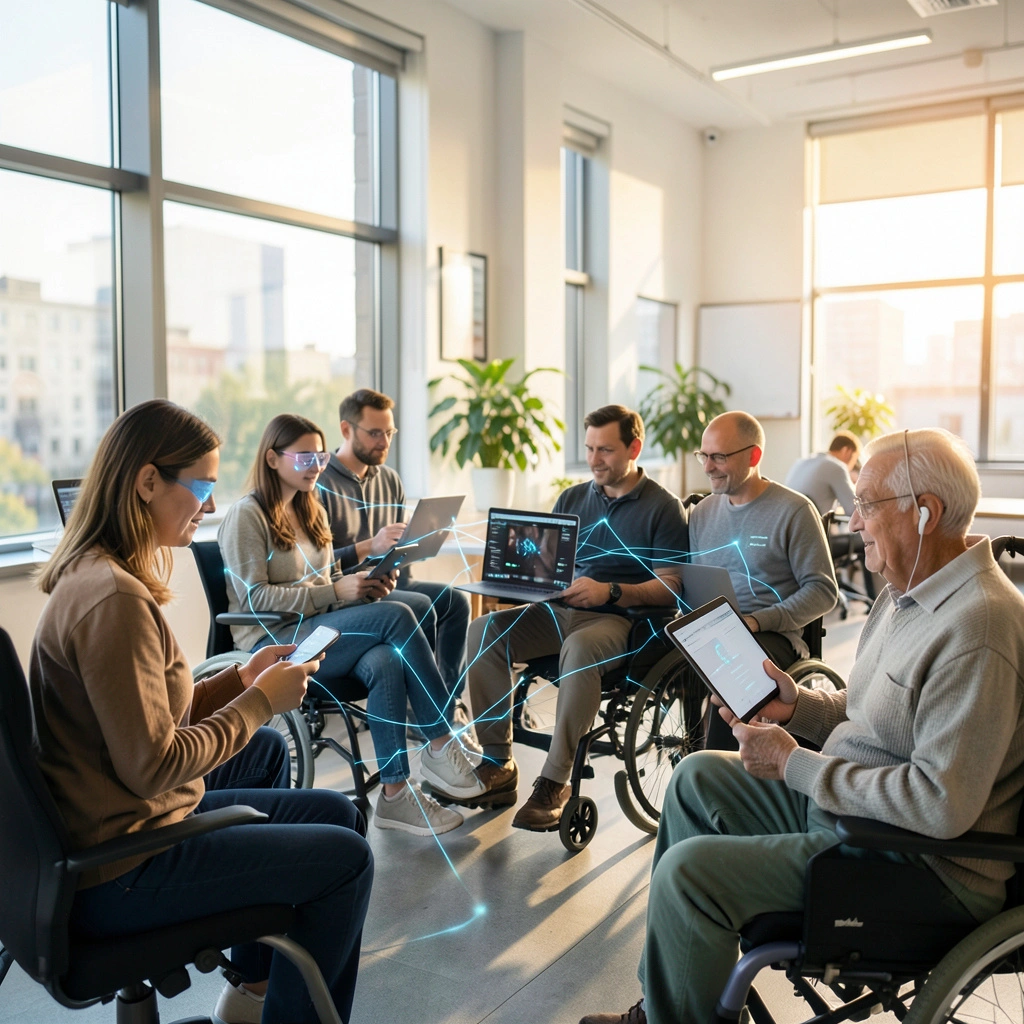
I still remember the first time I watched my friend Marcus navigate his smartphone using only his voice. Marcus lost his sight in his late twenties, and back then maybe eight years ago the experience was frustrating at best. Voice commands misunderstood him constantly, and screen readers felt clunky and robotic. Fast forward to today, and the transformation is nothing short of remarkable.
The integration of intelligent technologies into accessibility features has fundamentally changed how millions of people interact with devices, applications, and digital content. Having spent over a decade covering assistive technology developments and consulting with organizations on inclusive design, I’ve witnessed this evolution firsthand.
The Quiet Revolution in Assistive Technology
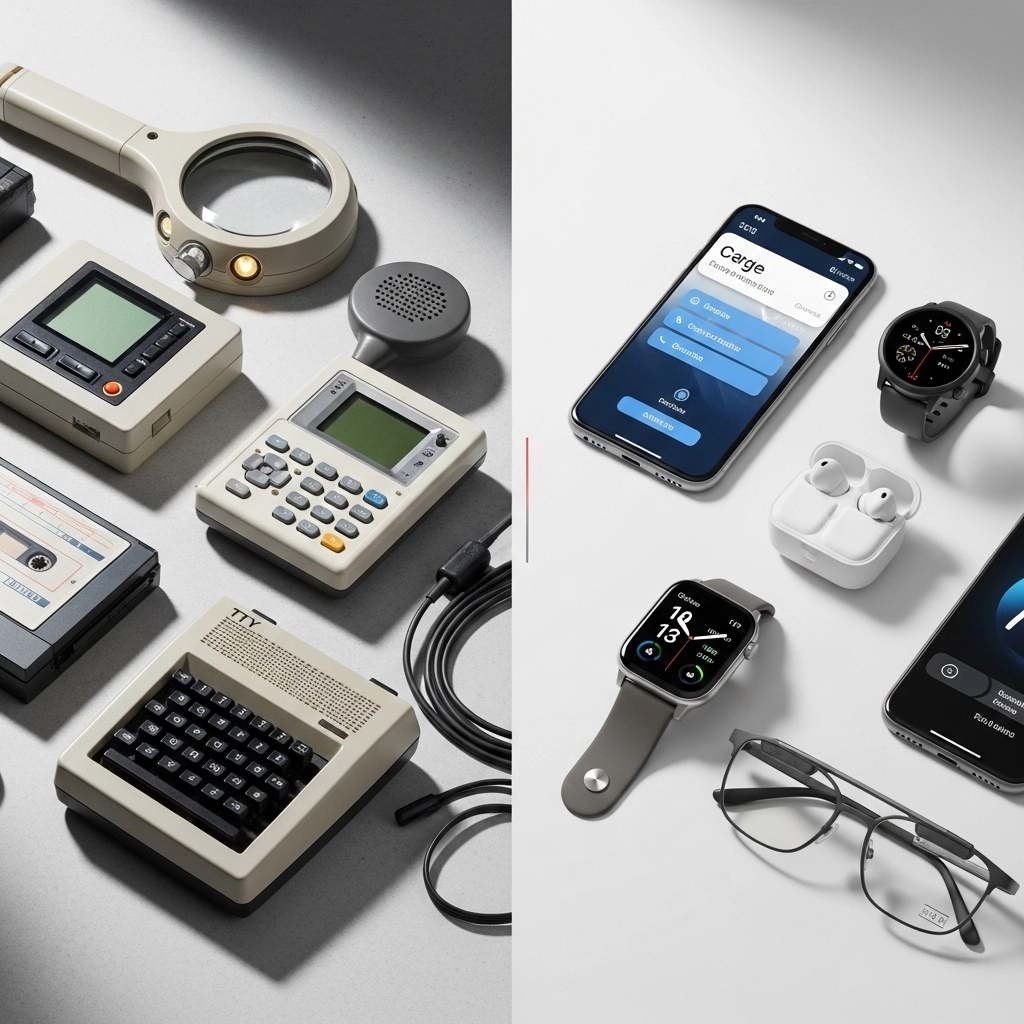
What makes modern accessibility features different from their predecessors isn’t just incremental improvement it’s a paradigm shift. Traditional assistive tools relied on rigid programming and predetermined rules. You pressed a button, got a specific response. There wasn’t much flexibility.
Today’s smart accessibility features learn, adapt, and anticipate. They understand context, recognize patterns in individual usage, and continuously improve their accuracy. This matters tremendously when you’re someone who depends on these tools for daily communication, employment, or simply staying connected with loved ones.
Voice Recognition That Actually Works
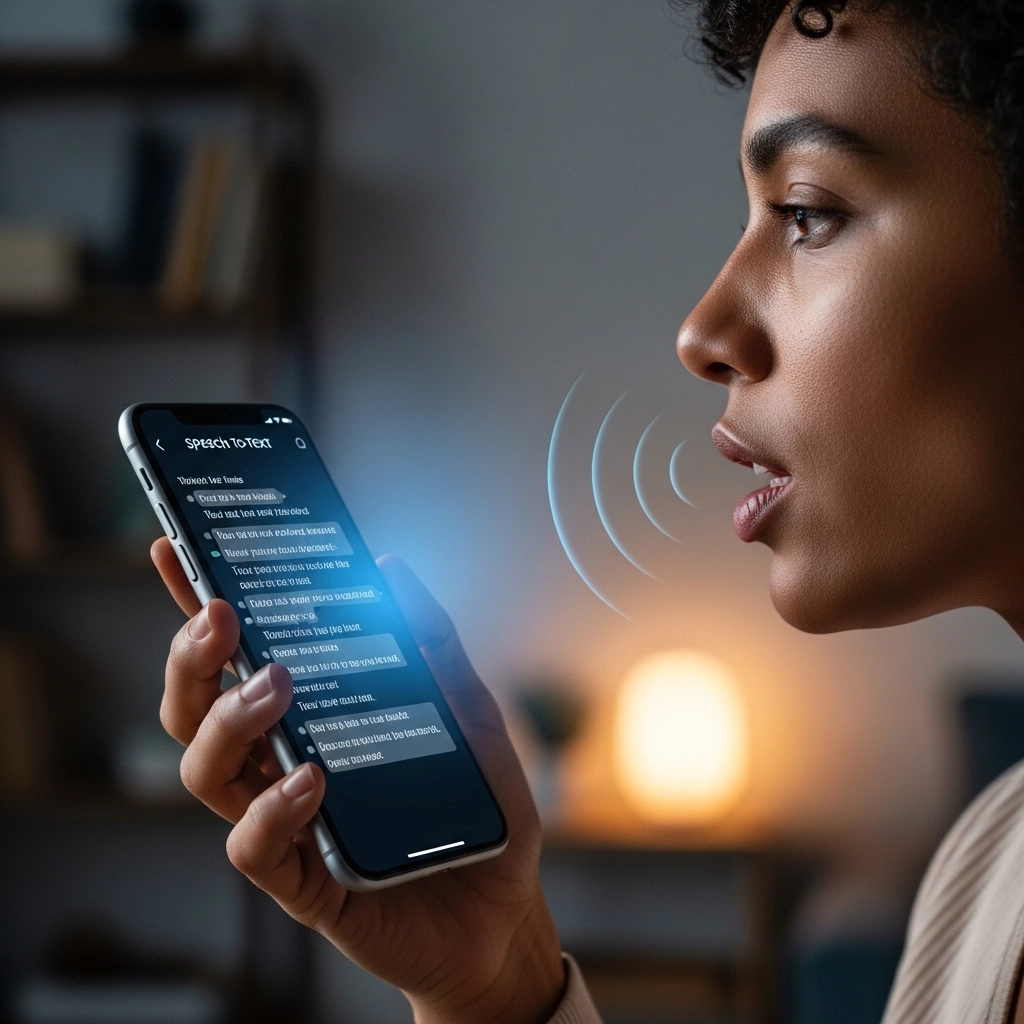
Let’s talk about voice recognition because the progress here has been staggering. Early speech-to-text systems required users to speak slowly, clearly, and often in specific accents to be understood. People with speech impairments or non native English speakers frequently found themselves locked out.
Current voice recognition systems handle diverse accents, speech patterns, and even certain speech disorders with impressive accuracy. Google’s Project Relate, for instance, specifically trains on atypical speech patterns, helping people with conditions like ALS, cerebral palsy, or stroke related speech difficulties communicate more effectively.
I interviewed a woman named Sarah last year who has dysarthria following a car accident. She told me that five years ago, voice assistants understood maybe 30% of what she said. Now? She estimates it’s closer to 85%. That difference changed her life. She controls her smart home, sends texts to her kids, and manages her calendar all independently.
Visual Accessibility: Beyond Simple Screen Reading
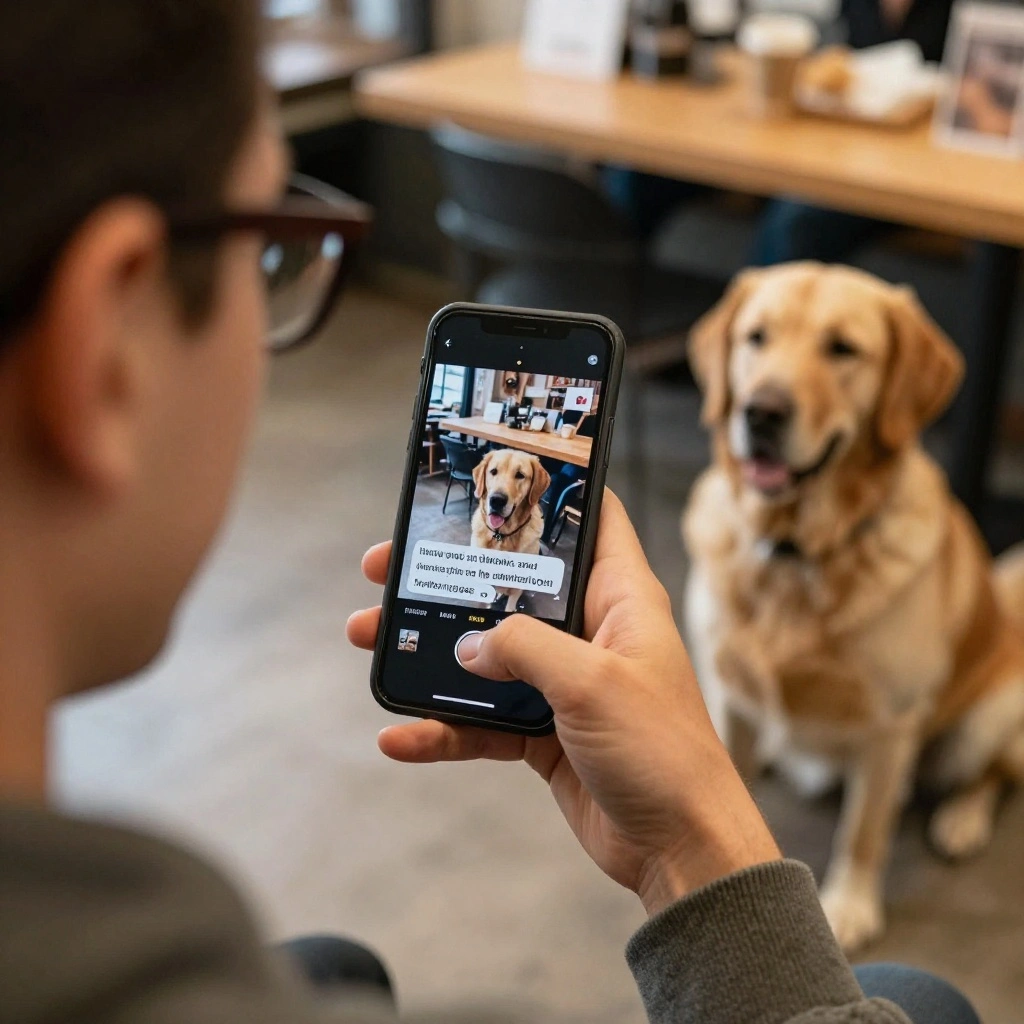
Screen readers have existed for decades, but intelligent image description has opened entirely new worlds. When you’re blind or have low vision, social media was historically a frustrating experience endless posts with images you couldn’t interpret.
Now, automatic image descriptions powered by computer vision provide meaningful context. Your phone can tell you there’s a photo of three people at a beach during sunset, or that a chart shows quarterly sales increasing by 15%. It’s not perfect, and sometimes descriptions miss nuance or misidentify elements, but the improvement over “image” or “photo” being your only information is immeasurable.
Apple’s VoiceOver combined with intelligent scene description, Google’s Lookout app, and Microsoft’s Seeing AI have become genuine tools for independence. A colleague who’s been blind since birth told me he now feels like he’s “actually participating in visual culture” for the first time.
Real-Time Captioning and Communication
For the deaf and hard of hearing community, live captioning technology has been transformative. Remember when getting captions meant waiting for human transcription services? Real-time captioning now happens automatically in video calls, live videos, and even in-person conversations through smartphone apps.
The accuracy rates have climbed dramatically. Google’s Live Transcribe, for example, works across multiple languages and handles various speaking speeds and overlapping conversations reasonably well. During the pandemic, this became crucial as remote work exploded and video meetings became ubiquitous.
I’ve seen this technology used in classrooms, business meetings, medical appointments, and casual conversations. One teacher I spoke with mentioned that her deaf students went from feeling isolated during group discussions to actively participating because captions appeared instantaneously on their devices.
Motor Accessibility and Adaptive Interfaces
People with limited mobility benefit from intelligent gaze tracking, switch control improvements, and predictive interfaces that learn individual movement patterns. Eye-tracking technology, once requiring expensive specialized equipment, now works through standard webcams and front facing cameras.
Voice control has expanded beyond basic commands to full device navigation. You can scroll, select, dictate, and interact with complex applications entirely hands free. Switch control systems, which allow users to operate devices with minimal physical movement, have become smarter about timing and anticipating user intent.
Cognitive Accessibility Often Overlooked
This area deserves more attention than it typically receives. Features like reading mode, content simplification, focus assistance, and smart scheduling help people with learning disabilities, ADHD, autism, and cognitive impairments navigate digital spaces more effectively.
Predictive text that learns individual vocabulary and communication styles, reminders that adapt to behavioral patterns, and interfaces that reduce sensory overload these subtle features make enormous differences for many users.
Limitations Worth Acknowledging
I’d be doing you a disservice if I painted an entirely rosy picture. Significant limitations remain. Accuracy issues persist, especially for people with severe speech impairments or multiple disabilities. Many features require consistent internet connectivity, creating barriers for users in rural areas or developing regions.
Privacy concerns are legitimate too. These technologies often require continuous data collection to function effectively. Users must trust companies with sensitive information about their disabilities and daily patterns.
Cost and availability also remain problems. While smartphone accessibility features are generally free, specialized applications and hardware can be expensive. Not everyone can afford the latest devices with cutting-edge capabilities.
Looking Forward
The trajectory is encouraging despite these challenges. Companies are increasingly prioritizing accessibility from the design phase rather than treating it as an afterthought. More importantly, disabled users themselves are being included in development processes a shift that produces better, more relevant solutions.
What excites me most is the potential for personalization. As these systems become more sophisticated, they’ll adapt to individual needs rather than offering one size fits all solutions. That’s the direction we need.
Frequently Asked Questions
What are AI enabled accessibility features?
These are intelligent assistive technologies that use machine learning and computer vision to help people with disabilities use devices, including smart voice recognition, automatic image descriptions, live captioning, and adaptive interfaces.
Are these features available on all devices?
Major platforms like iOS, Android, Windows, and MacOS include robust accessibility features, though specific capabilities vary by device age and operating system version.
Do AI accessibility features cost extra?
Most built in smartphone and computer accessibility features are free. Some specialized third-party applications may require purchase or subscription.
How accurate is live captioning technology?
Current systems typically achieve 85-95% accuracy under good conditions, though performance varies with audio quality, accents, and background noise.
Can voice recognition understand people with speech impairments?
Newer systems are specifically trained on atypical speech patterns and show significant improvement, though results vary depending on the severity and type of speech difference.
What privacy concerns exist with these features?
These technologies often process data on remote servers, raising questions about data storage, usage, and security of sensitive disability related information.